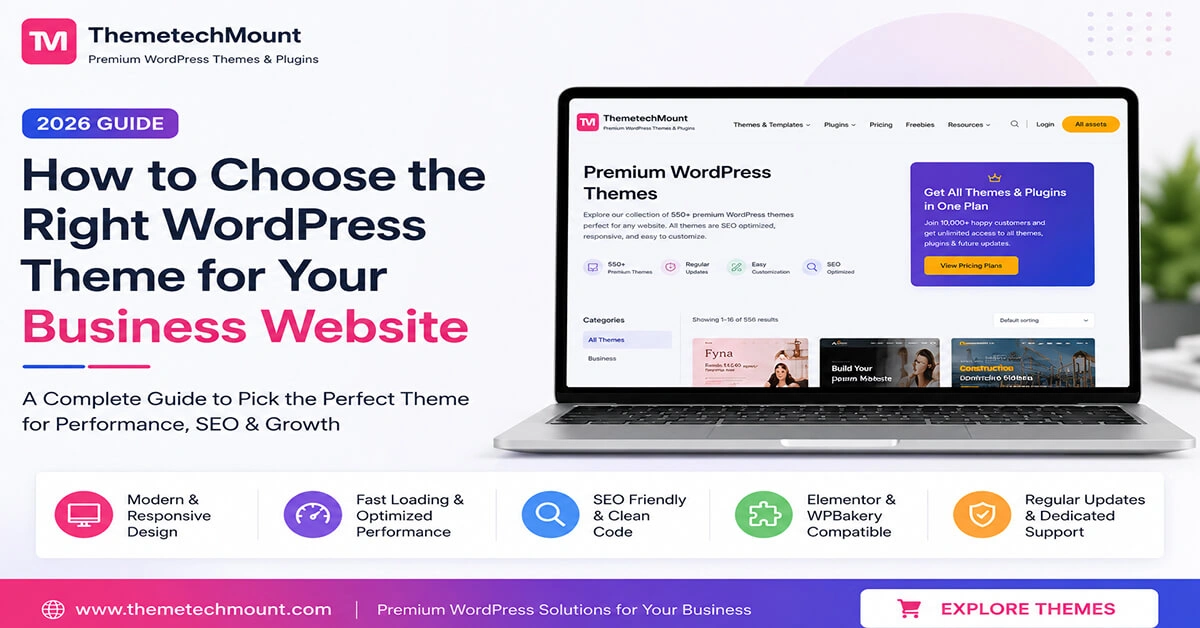
Key Features to Look For in a Business Best WordPress Theme
Industry-specific layouts
Pre-built demo pages designed for your exact business type, not a generic all-purpose template.
Fast loading speed
Lightweight code that keeps your site quick on both desktop and mobile connections.
Drag-and-drop builder support
Works smoothly with Elementor or similar builders, so edits don’t need a developer.
Drag-and-drop builder support
Works smoothly with Elementor or similar builders, so edits don’t need a developer.
Plugin & booking compatibility
Plays well with booking tools like TrueBooker, payment gateways, and SEO plugins.
Mobile-first responsiveness
Looks and works properly on phones, not just when resized in a desktop browser.
Why Your WordPress Theme Matters
Essential Features Every Business Theme Needs
- Responsive design for mobile devices
- SEO-friendly structure and clean code
- Fast loading performance
- Elementor and WPBakery compatibility
- Easy customization options
- WooCommerce support
- Regular updates and support
SEO and Performance Considerations
Here’s something people forget when they’re picking a theme: Google is judging your website too, not just your visitors. A theme can look stunning and still hold your site back in search results if it’s built with messy code, slow-loading fonts, or images that never get optimized.
Before you commit, it’s worth checking a few things that quietly affect your rankings long after launch.
What Actually Matters Here
- Does the theme generate clean HTML, or is it stuffed with extra divs and inline styles that slow down page rendering?
- Is it compatible with SEO plugins like Yoast or RankMath, so titles, meta descriptions, and schema markup actually work?
- Does it support lazy loading and modern image formats (like WebP) out of the box?
- Are heading tags (H1, H2, H3) structured properly in the demo, instead of every section just using bold text?
Quick Takeaway
A theme that’s fast and SEO-friendly by default saves you months of “why isn’t my site ranking” headaches later.
It’s also worth running the live demo through a free tool like Google PageSpeed Insights before you buy not after. If the demo itself scores poorly, adding your own content and images will only make it slower.
Built with this in mind: Every theme in our WordPress theme collection ships with clean code and full SEO plugin compatibility. Pair it with our plugins for schema and booking features, or check our All Access Membership if you manage more than one site.
Elementor vs WPBakery: Which Page Builder Should You Choose?
Elementor
True drag-and-drop, beginner-friendly, huge widget library
WPBakery
Visual + backend editing, structured workflow
How They Compare
| Factor | Elementor | WPBakery |
| Editing experience | Live visual drag-and-drop | Mix of visual and backend |
| Learning curve | Beginner-friendly | Slightly steeper |
| Design flexibility | Wide widget library | Fewer built-in widgets |
| Performance | Generally lighter | Can feel heavier |
| Community & support | Large, frequent updates | Smaller ecosystem |
| Best suited for | Owners who self-edit often | Structured backend workflows |
Our Verdict
Quick Takeaway
Don’t just check if a theme “supports” a builder — open the live demo yourself and see how editing actually feels before you decide. Browse Elementor-ready themes or explore our full collection to compare.
Common Mistakes to Avoid
- Choosing a theme based on the demo images alone, without testing the live builder
- Ignoring page speed until after the site is already built and slow
- Buying a theme without checking if it supports the plugins you already rely on
- Skipping the mobile preview and only checking the desktop view
Free vs Premium Themes: Which One Do You Need?
| Factor | Free Themes | Premium Themes |
| Design depth | Basic, generic layouts | Industry-specific, polished designs |
| Support | Community forums only | Dedicated support team |
| Updates | Irregular | Regular, ongoing |
| Plugin compatibility | Limited testing | Built & tested with common plugins |
| Best suited for | Hobby blogs, testing ideas | Real businesses that depend on the site |
Why Choose ThemetechMount
How We’d Test It
- Paste the live demo URL into a free page-speed tool and actually look at the score, not just skim it
- Ask whether the theme is genuinely lightweight, or if it’s dragging in scripts and effects you’ll never use
- Check it plays nicely with caching and image-optimization plugins, since you’ll want those later anyway